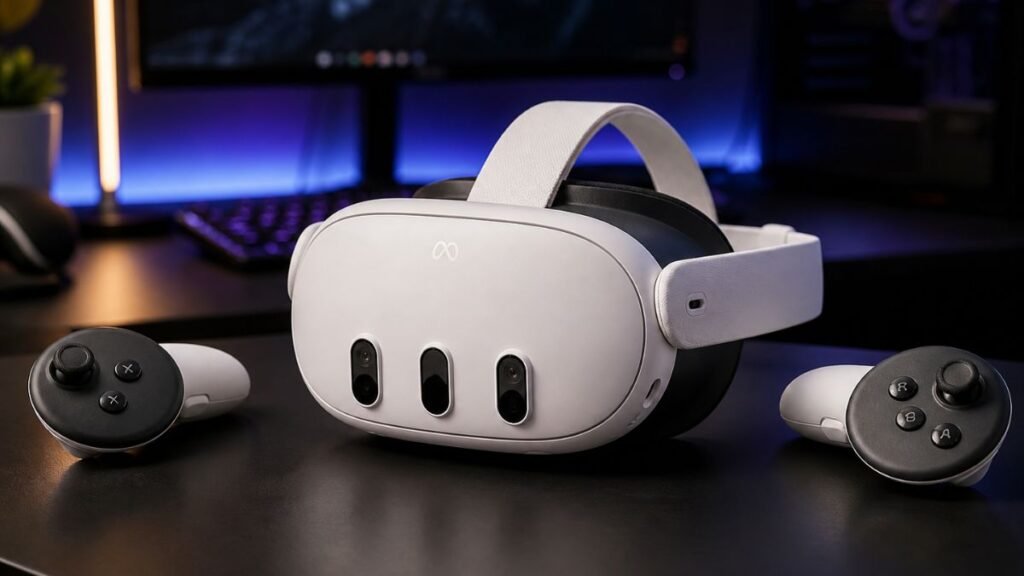
Meta Quest 3 review searches continue growing because beginners want one clear answer.
Is Quest 3 still worth buying in 2026?
Virtual reality changed quickly.
Headsets became easier to set up. Games improved. Mixed reality became more useful. Wireless VR stopped feeling like an experiment.
But beginners still face confusion.
You search online and see conflicting opinions.
One review says Quest 3 is the best headset available.
Another says Quest 3S offers better value.
Others say you should wait for newer hardware.
That creates hesitation.
The truth is simpler.
Meta Quest 3 is not the cheapest headset.
It is not the most powerful headset.
It is not perfect.
But Quest 3 balances visual clarity, comfort, beginner setup, wireless freedom, mixed reality, and long-term ownership better than most standalone VR headsets.
For many first-time buyers, Quest 3 remains one of the safest VR purchases available.
This guide explains what actually matters before you buy.
You will learn:
- What Meta Quest 3 does well
- Where Quest 3 struggles
- How Quest 3 compares to Quest 3S
- Whether Quest 3 is beginner-friendly
- What hidden costs owners experience
- Who should buy Quest 3
- Who should avoid it
Quick Verdict
Meta Quest 3 remains one of the best VR headsets for beginners in 2026.
It succeeds because it combines:
- Wireless freedom
- Strong visual clarity
- Pancake lenses
- Mixed reality support
- Reliable tracking
- Large app ecosystem
- Beginner-friendly setup
Quest 3 costs more than Quest 3S.
But many beginners find the improved optics and comfort worth the upgrade.
Quest 3 Works Best For:
- First-time VR buyers
- Fitness users
- Casual gamers
- Movie watchers
- Mixed reality curiosity
- Long-term ownership
Quest 3 Works Less Well For:
- Tight budgets
- Hardcore PCVR-only users
- Buyers wanting all-day battery life
- People unwilling to buy accessories
What Is Meta Quest 3?
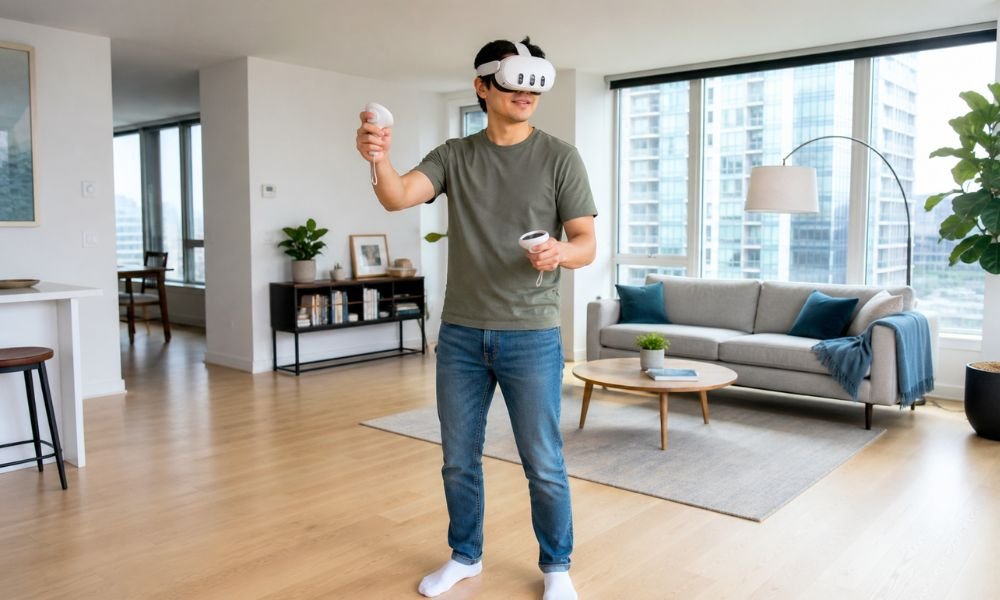
Meta Quest 3 is a standalone VR headset created by Meta.
Standalone means you do not need:
- A gaming PC
- A PlayStation console
- External sensors
- Wires running across the room
Everything runs inside the headset.
You turn it on.
Connect Wi-Fi.
Download apps.
Start playing.
This simplicity is one reason Quest 3 became popular among beginners.
Older VR systems often required complicated setup.
Quest 3 removes most of that friction.
Why Quest 3 Feels Different From Older VR Headsets
Quest 3 improved several problems older VR devices struggled with.
Smaller Front Profile
Quest 3 uses pancake lenses.
This allows the visor to sit closer to your face.
Benefits include:
- Better balance
- Less bulky design
- Reduced neck fatigue
- Easier long sessions
Better Visual Clarity
Quest 3 improves text readability.
Menus look sharper.
Movies feel cleaner.
This matters because blurry visuals often create eye fatigue.
Mixed Reality Cameras
Quest 3 includes color passthrough.
You can see your room while wearing the headset.
You can:
- Check surroundings
- Grab objects
- Stay aware of your space
- Blend digital content into your environment
Faster Processor
Quest 3 uses Snapdragon XR2 Gen 2.
This improves:
- Loading speed
- Graphics
- App switching
- Tracking stability
Meta Quest 3 Specs Explained for Beginners
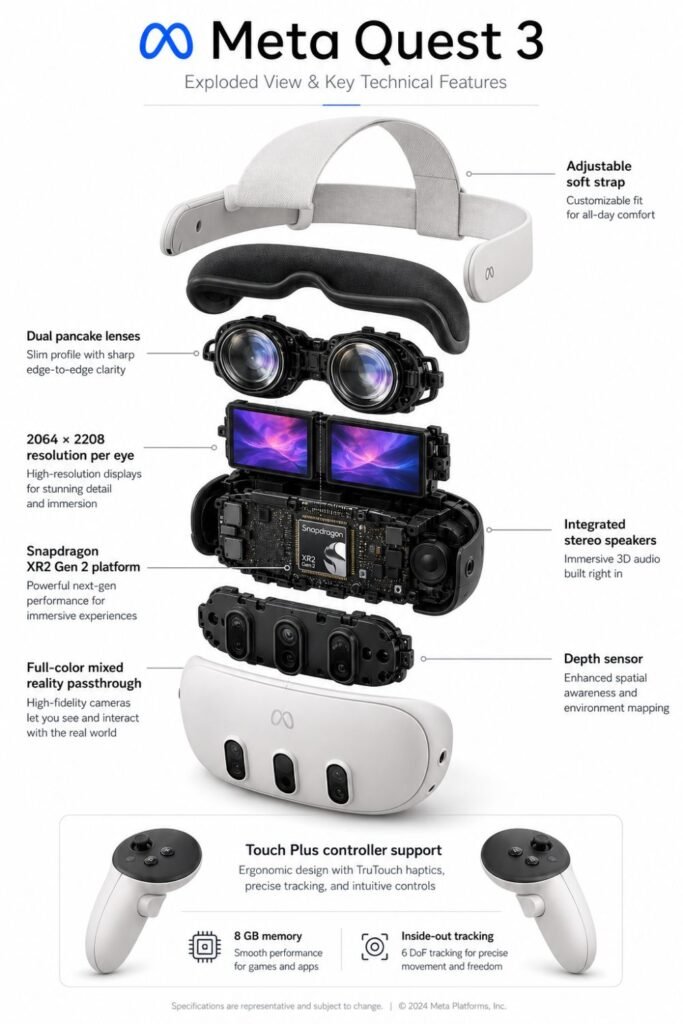
Specs sound technical.
But beginners only need to understand what they change in real life.
| Feature | What It Means |
| Pancake Lenses | Sharper image and better comfort |
| Higher Resolution | Cleaner visuals and easier reading |
| 120Hz Refresh Rate | Smoother movement |
| Mixed Reality Cameras | Real-world awareness |
| Inside-Out Tracking | Easy setup without sensors |
| Continuous IPD | Better eye comfort |
| XR2 Gen 2 Processor | Faster performance |
Quest 3 succeeds because multiple features work together.
No single specification makes it great.
The combination creates a smoother experience.
Meta Quest 3 vs Quest 3S
This is the biggest beginner comparison.
Quest 3S looks attractive because of price.
Quest 3 feels stronger because of experience quality.
| Feature | Quest 3 | Quest 3S |
| Price | Higher | Lower |
| Lens Type | Pancake | Fresnel |
| Clarity | Better | Good |
| Mixed Reality | Stronger | Basic |
| Comfort | Better Long-Term | Decent |
| Best For | Long-Term Use | Budget Entry |
Quest 3S lowers the cost of entry.
Quest 3 lowers friction.
That difference becomes noticeable after repeated use.
Choose Quest 3S If:
- Budget matters most
- You want to test VR
- You play casually
Choose Quest 3 If:
- You want better clarity
- You plan long-term ownership
- You care about comfort
- You want stronger mixed reality
The Real Beginner Experience With Quest 3
Most reviews focus on technical details.
But beginners care about ownership.
What happens during the first week?
Day 1
You setup the headset.
This usually takes:
10 to 20 minutes.
You connect Wi-Fi.
Update software.
Create boundaries.
Day 2
The “wow” phase begins.
You experience:
- Depth perception
- VR immersion
- Hand tracking
- Large virtual environments
Days 3 to 7
Comfort becomes noticeable.
You begin learning:
- Menu navigation
- Game movement
- Motion comfort
- Session pacing
Most users adapt within a few sessions.
Quest 3 Comfort: What Beginners Should Know
Quest 3 is comfortable.
But not perfect.
The biggest complaint comes from the stock strap.
Common issues include:
- Facial pressure
- Forehead fatigue
- Front-heavy balance
- Heat buildup
Most long-term owners upgrade the strap.
This dramatically improves comfort.
Common Comfort Upgrades
- Halo strap
- Battery strap
- Better facial interface
- Lens inserts
Comfort matters more than many buyers expect.
A powerful headset means little if you stop using it.
Why Pancake Lenses Matter
Quest 3 uses pancake lenses.
This becomes one of its biggest upgrades.
Pancake lenses improve:
- Clarity
- Edge sharpness
- Sweet spot size
- Reduced glare
- Better eye comfort
Older Fresnel lenses often create:
- Blur
- God rays
- Smaller clear viewing area
- Eye strain
This is why Quest 3 often feels cleaner than cheaper alternatives.
Mixed Reality: Useful or Marketing?
Mixed reality sounds futuristic.
But it serves practical purposes.
Quest 3 lets you see your room through passthrough cameras.
This creates benefits.
Mixed Reality Helps Beginners By:
- Reducing isolation
- Improving safety
- Lowering anxiety
- Helping adaptation
You can:
- Walk around safely
- Check surroundings
- Keep awareness while wearing the headset
Mixed reality also supports:
- Fitness apps
- Floating screens
- Productivity
- Casual gaming
Battery Life and Ownership Costs
Quest 3 battery life averages:
1.5 to 2.5 hours.
This surprises many buyers.
Longer sessions usually require upgrades.
Common Ownership Additions
| Upgrade | Estimated Cost |
| Better Strap | $50–$100 |
| Battery Pack | $40–$80 |
| Lens Inserts | $50–$80 |
| Carry Case | $25–$50 |
| Charging Dock | $40–$70 |
Quest 3 becomes more enjoyable with accessories.
This creates hidden ownership costs.
Realistic Ownership Range
- Minimal Setup: $550
- Comfortable Setup: $700
- Premium Setup: $900+
PCVR: Should Beginners Use It?
Quest 3 supports PCVR.
This means you can connect it to a gaming PC.
Benefits include:
- Better graphics
- SteamVR access
- Simulation games
- Larger game library
But PCVR also creates complexity.
You may need:
- Strong Wi-Fi
- Gaming PC
- Router optimization
- Software setup
Most beginners should start with standalone VR first.
Then expand later.
Who Should Buy Meta Quest 3?
Quest 3 works best for buyers who want long-term value.
Quest 3 Is Great For:
- Beginners wanting quality
- Fitness users
- Mixed reality curiosity
- Casual gaming
- Movie watching
- Wireless convenience
Quest 3 Is Strong For People Who Want:
- Better clarity
- Better comfort
- Larger ecosystem
- Flexible ownership
- Expandability
Who Should Avoid Quest 3?
Quest 3 is not perfect for everyone.
Quest 3 May Not Fit You If:
- Budget matters above all
- You only care about PCVR
- You dislike accessories
- You want unlimited battery life
- You expect zero learning curve
Some buyers may prefer:
- Quest 3S
- PlayStation VR2
- Dedicated PCVR headsets
Fit matters more than popularity.
Meta Quest 3 Pros and Cons
Pros
- Excellent visual clarity
- Pancake lenses
- Strong beginner setup
- Mixed reality support
- Wireless freedom
- Large app ecosystem
- Expandable into PCVR
Cons
- Battery life is average
- Stock comfort could improve
- Accessories become tempting
- Higher price than Quest 3S
FAQ
Is Meta Quest 3 Worth Buying in 2026?
Yes.
Quest 3 still delivers one of the strongest beginner VR experiences.
Do I Need a Gaming PC?
No.
Quest 3 works standalone.
Can Quest 3 Cause Motion Sickness?
Sometimes.
Most users adapt over time.
Is Quest 3 Good for Fitness?
Yes.
Wireless movement makes VR workouts easier.
Is Quest 3 Better Than Quest 3S?
For long-term ownership, yes.
Quest 3 offers better optics and comfort.
Final Verdict
Meta Quest 3 remains one of the safest VR purchases for beginners.
It is not the cheapest.
It is not perfect.
But it balances categories better than most alternatives.
Quest 3 gives you:
- Strong visuals
- Wireless convenience
- Mixed reality
- Beginner-friendly setup
- Long-term flexibility
If you plan to use VR regularly, Quest 3 becomes easier to justify.
For many buyers, it remains the best middle-ground headset available.